AI co-pilot. Say what you need. It builds the cue and takes it.
“Add a countdown, then take it.”
cut_to · Countdown · on air
Codi Switcher
The live switcher with an AI co-pilot. Any event. One Mac.

Open the show with the title card.
cut_to · Title card · on air
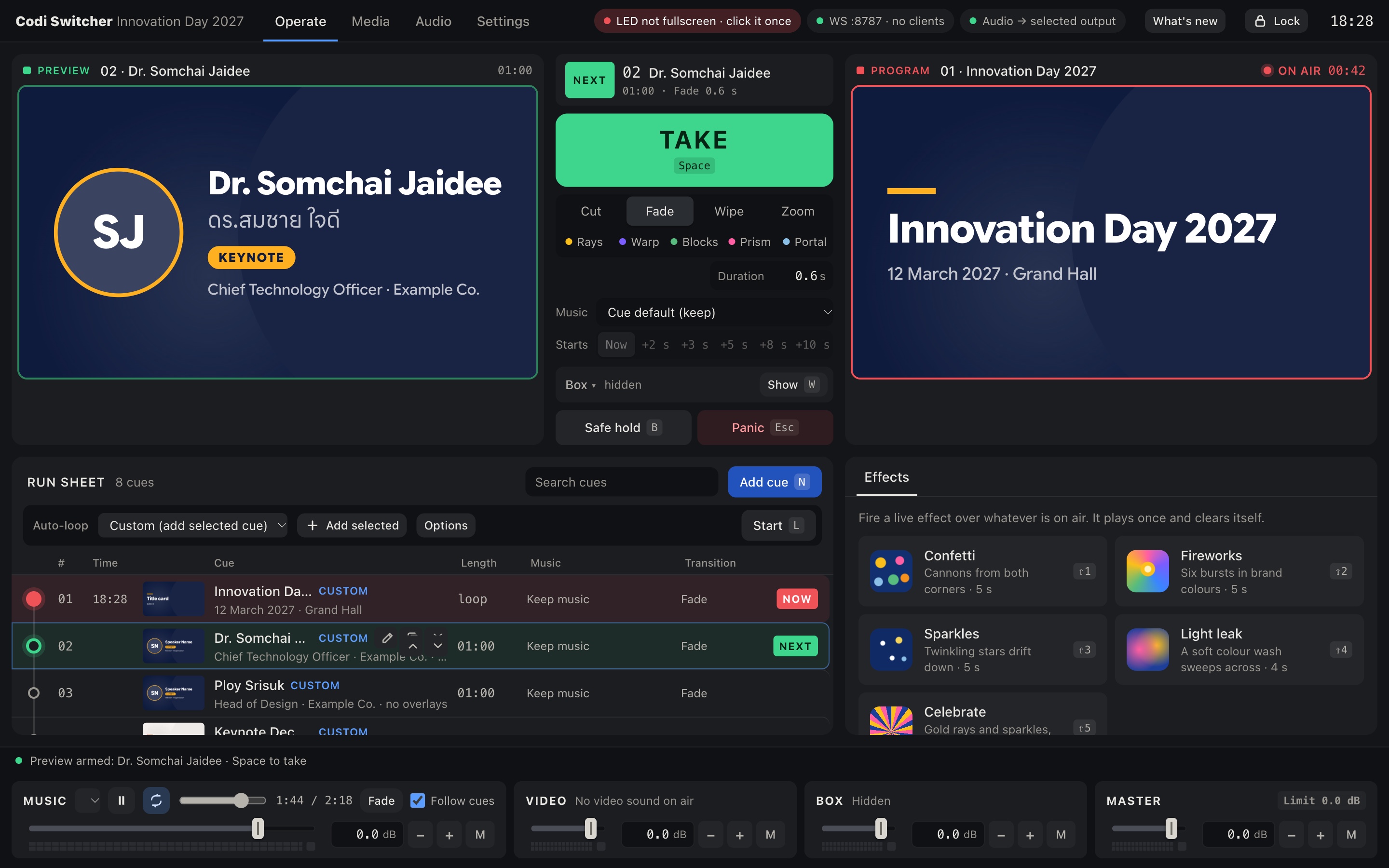
Cues, cameras, slides and sound in one window. An AI that turns your words into the next shot. Conferences, concerts, classrooms, launches. If it has a screen, it has a show.
AI co-pilot. Say what you need. It builds the cue and takes it.
“Add a countdown, then take it.”
cut_to · Countdown · on air
Live cameras. USB, HDMI, RTSP and SRT. On the wall in about 0.3 seconds.
Real-time WebGL. Every take, a little cinematic.


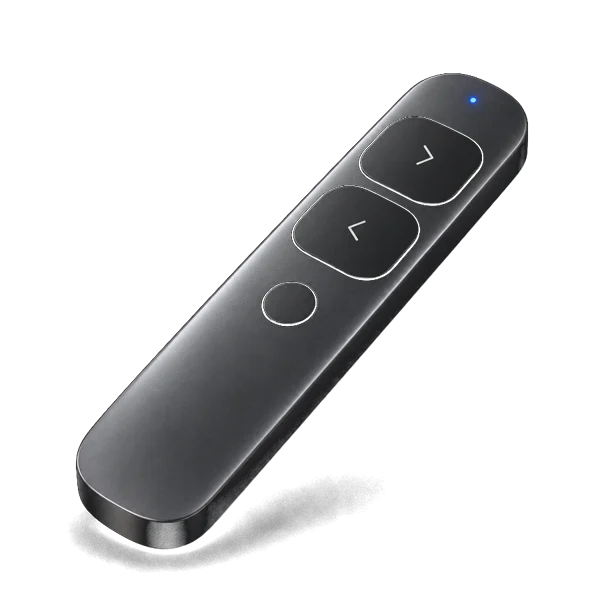
Canva + clicker. Click. Next. It just works.



AI over MCP. Add a cue. Cut to the countdown. Bring the music down. Just say so. Every safety guard still applies.
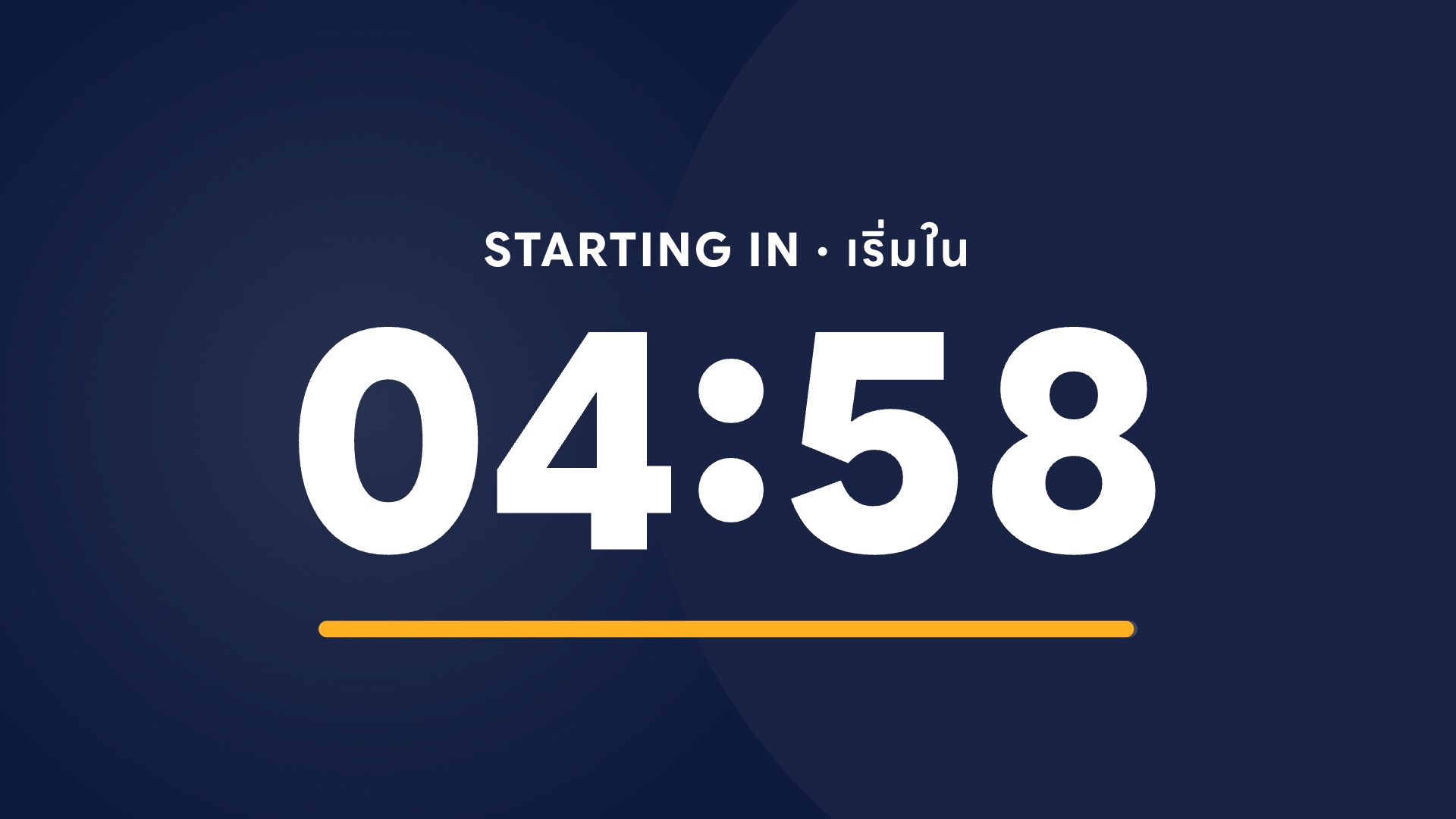
Add a countdown, then take it.
Countdown added. Taking it now.cut_to · on air
Live cameras. USB, HDMI capture, RTSP and SRT. About 0.3 seconds from lens to wall.
Real-time WebGL. Warp, Portal, Prism and more, rendered live across the whole wall.

Canva slides as cues. Drop in the export. Clicker mode keeps listening even when another window is in front, so every click lands. It just works.
Audio mixer. Every source, perfectly balanced.
Your look, everywhere. Title cards, countdowns and name cards in your colours.
Phone remote. Run the show from the floor.
Safe hold & Panic. One key between you and any surprise.
Show library. Build it once. Run it again.
Works offline. No Wi-Fi? No problem.
Yes. Free for any Mac with Apple silicon. No account. No catch.
Any Mac with M1 or newer on macOS 13 or later. One external display drives the LED.
Yes. Download the PNG zip from Canva and drop it in. Every page becomes a cue.
Any MCP client: Claude Code, Claude Desktop, Cursor, VS Code and more. Settings → AI control gives you the line to paste.
Yes. Turn on Clicker mode once. Codi Switcher catches Next and Back (Page Up / Page Down) system-wide, so the slides move even when another window is in front.
Yes. Your show runs on the Mac. Only web pages and IP cameras need a network.
Free · Mac with Apple silicon · First launch: right-click → Open · Manual